Twitter

Schedule
Posts in Advance

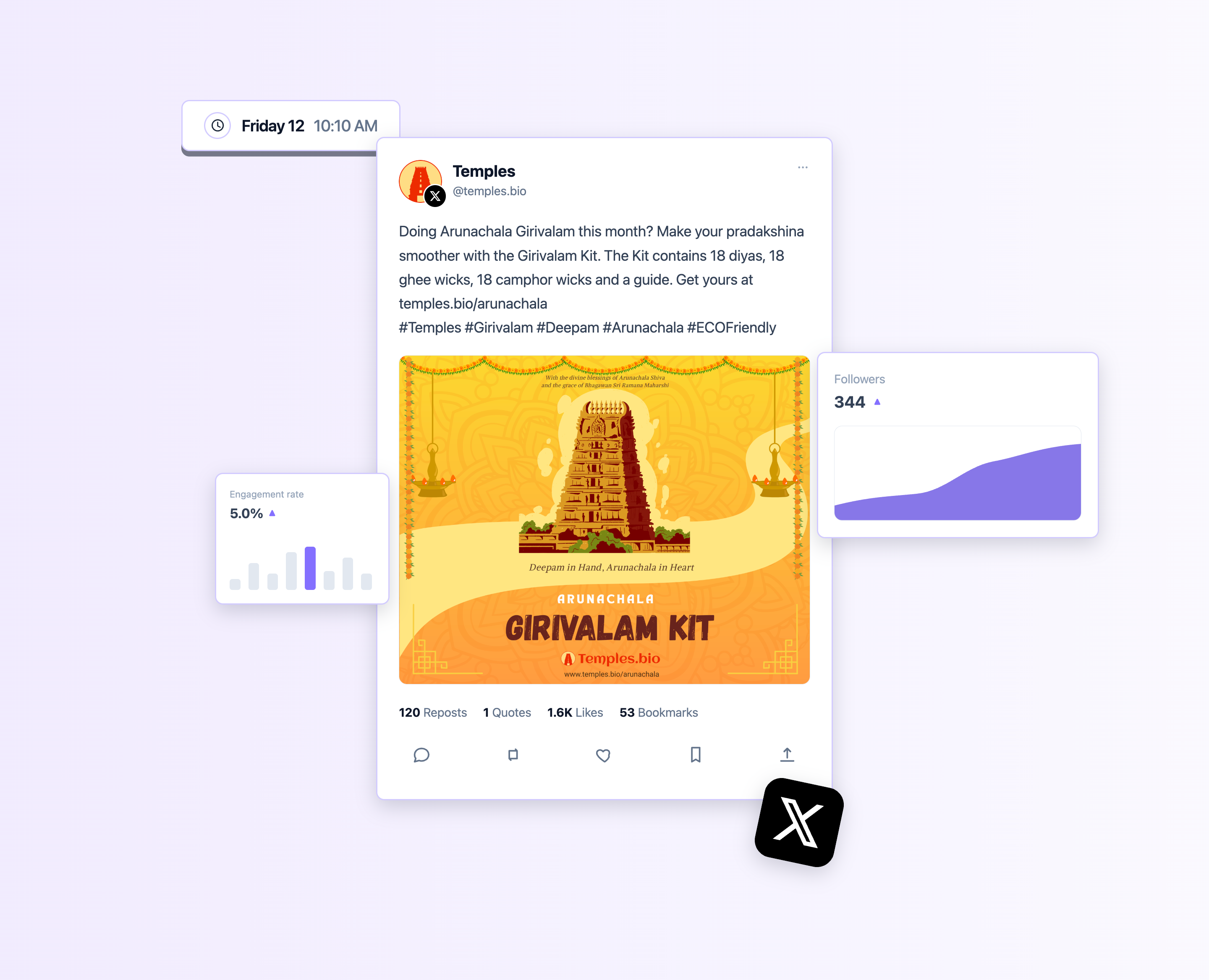
Grow your audience faster with consistent posting. Plan, write, schedule, and analyze X content in one dashboard with iSend.ai

Screenshot of the isend.ai Twitter composer

Three simple steps

Connect one or more X accounts

Profile
Temples @temples.bio
X Account @xAccount

Connect and choose accounts to start posting from.
Generate using AI from a Prompt

Generating tweets
AI is creating tweets based on your prompt…
Generating…

Give your Idea as prompt and AI will generate the twitter posts for the choosen accounts.

Schedule & Relax

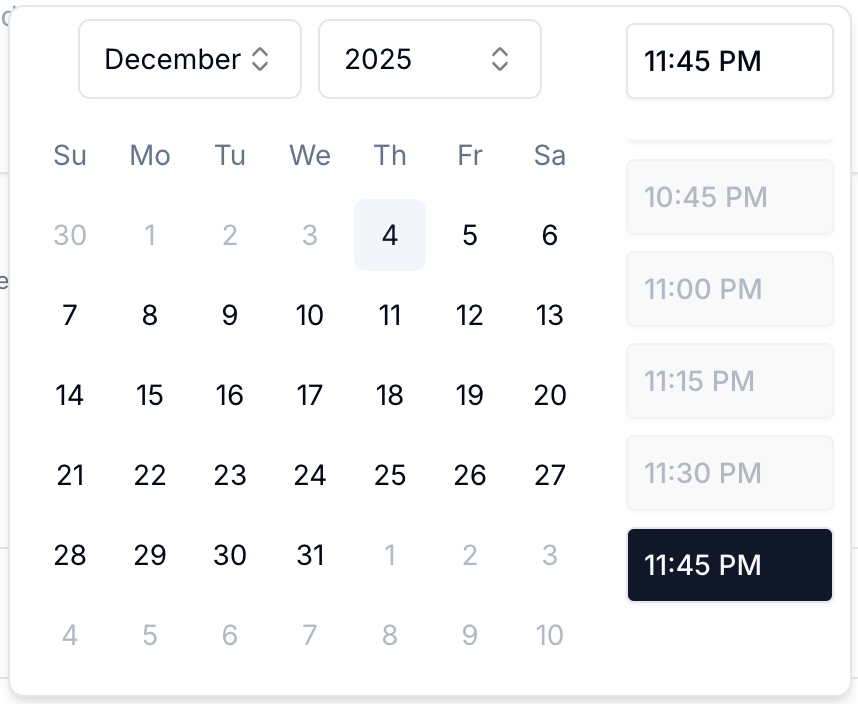
Date and time picker
Pick date & time

Choose the exact date and time to publish. Relax and let the isend.ai do the posting for you.

Generate X threads from a single prompt

Turn an idea into a polished thread in seconds. AI creates a multi-post draft you can edit, add media, and schedule. Perfect for storytelling, product launches, and educational content.

  • Generate 5–10 tweets with a consistent tone and structure.
  • Edit any tweet inline or rewrite the whole thread.
  • Schedule as a thread and publish all tweets in order automatically.
Temples
Temples @temples.bio 1/6

Morning prayers at the ancient temple bring such peace. The air is cool, the bells are soft, and everything slows down. 🛕

Temples
Temples @temples.bio 2/6

For a few minutes, the world feels quieter, like the temple is holding space for you to breathe.

Temples
Temples @temples.bio 3/6
+ 3 more tweets in this thread
November 25, Tuesday
9:15 AM
Temples
Temples @temples.bio

Morning prayers at the ancient temple bring such peace. The sound of bells and the fragrance of...

Posted
2:30 PM
Temples
Temples @temples.bio

Exploring the beautiful architecture of South Indian temples. Each pillar tells a story of devotion...

Posted
6:45 PM
Temples
Temples @temples.bio

Evening aarti at the temple is a sight to behold. The flickering lamps and chants create such a...

Posted
November 2025
Scheduled Posted
Su
Mo
Tu
We
Th
Fr
Sa
30
1
2
3
4
5
6
7
8
9
10
11
12
13
21
22
23
24
25
Temples • 9:15 AM
Temples • 2:30 PM
Temples • 6:45 PM
26
Manu • 12:00 PM
27
28
29
30
1
2
3

Switch between views

  • Use List to review every post as a timeline and take quick actions.
  • Use Calendar to plan your week at a glance and spot gaps in your schedule.

Add team members and edit posts together

Invite your team, assign roles, and collaborate on drafts in one place. Give teammates access to edit, review, and schedule so that approvals and publishing stay fast and organized.

  • Invite teammates with email.
  • Control access with roles: Super Admin / Admin / Team member.
  • Work on the same post. Review, Tweak, and Schedule together.
R
Ramu
ramu@temples.bio
Super Admin
G
Giri
giri@temples.bio
Admin
M
Manohar
manohar@temples.bio
Team member

Frequently asked

Yes—create multi-tweet threads with automatic reply linking.

Up to 4 images (5MB each) or 1 video (≤512MB, ≤140s).

Use plans to spread tweets across days with smart time slots.

Access tokens typically persist until revoked; we handle reconnects.

Yes, 280 characters per tweet; the composer shows a live ring.

Draft tweets, assemble threads, and publish on schedule